

Now on Mac
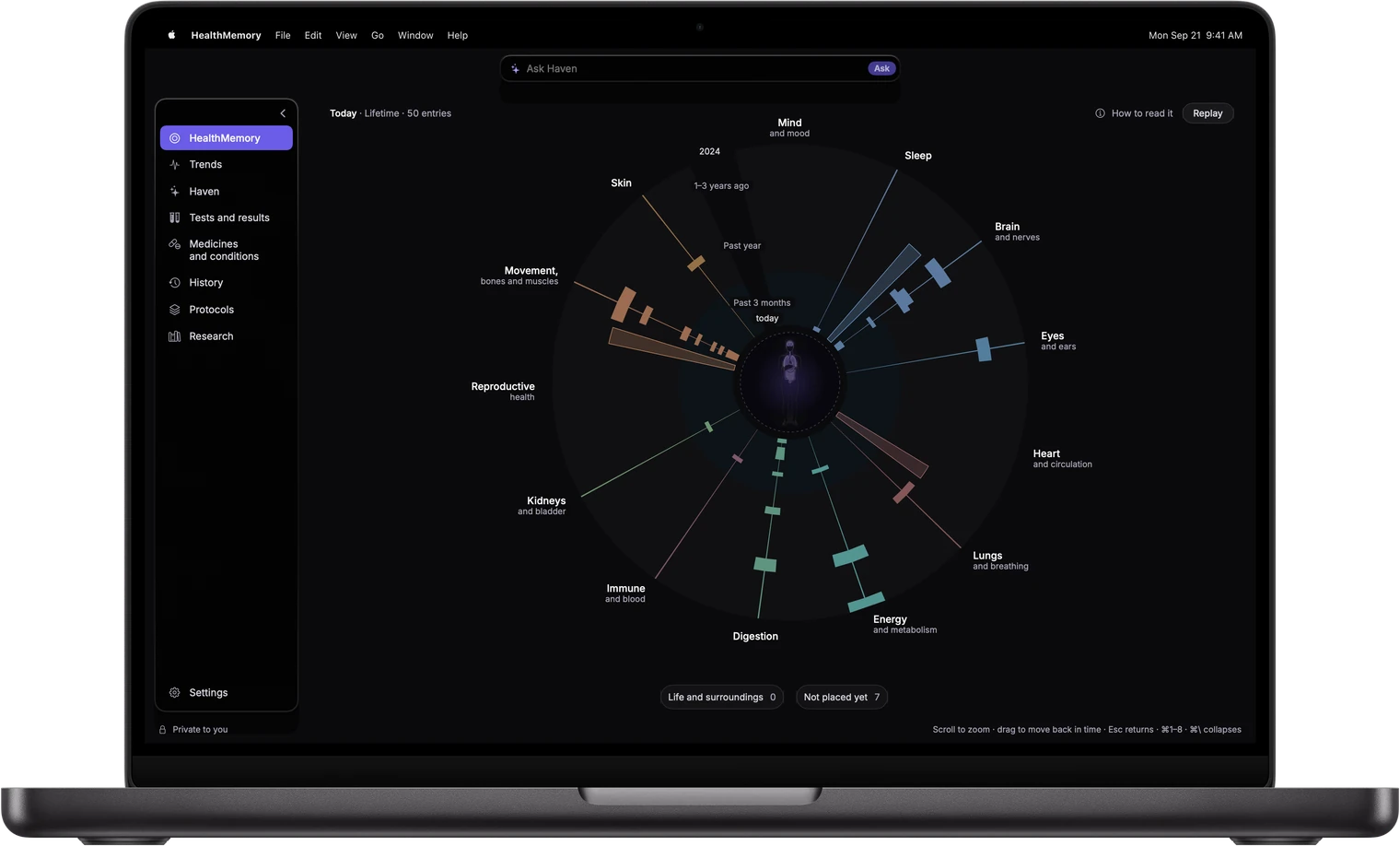
HealthMemory for Mac
A living understanding of your health, built around you and kept private on your Mac.
Download for Mac- Version 2026.41.13.45 GB
- macOS 15 or laterMac with Apple silicon
Signed by BlockHaven Inc. and notarized by Apple
Install in three steps
-
Open the disk image
Open the HealthMemory disk image from your Downloads folder.
-
Drag to Applications
In the window that opens, drag HealthMemory to Applications.
-
Open HealthMemory
Open it from your Applications folder. The first time, macOS asks whether to open an app downloaded from the internet. Choose Open.
Check the download
- File
- HealthMemory-2026.41.1-2026100801.dmg
- Version
- 2026.41.1 (build 2026100801)
- Size
- 3,452,855,328 bytes
- SHA-256
9be1c8c7951c52b85aadcd19b6639201ec7105f8cbc80f38b9670f5cf86dfa73
To check the file, open Terminal and run:
shasum -a 256 ~/Downloads/HealthMemory-2026.41.1-2026100801.dmgThe result should match the SHA-256 above. To check the signature and notarization, run:
spctl -a -t open --context context:primary-signature -v ~/Downloads/HealthMemory-2026.41.1-2026100801.dmgIt should print accepted and source=Notarized Developer ID.